
With AbracaDABra 4.3.0 Petr Kopecký added Command Line Interface (CLI) support.
The CLI is incompatible with older versions.
I tested this on my Windows 11 computer, and despite a few misunderstandings, it worked quite well.
Verify that AbracaDABra isn’t running and that you’re using an RTL-SDR device.
To use the CLI, open the command line by pressing the Windows key and typing ‘cmd’ (n ‘ ‘).
You don’t have to run it with admin rights.
First navigate to the AbracaDABbra install folder/directory using cd\ commands.
On my computer AbracaDABra 4.3.0 is installed in this folder:
C:\Radio\AbracaDABra4. Make sure you use your correct AbracaDABra path!
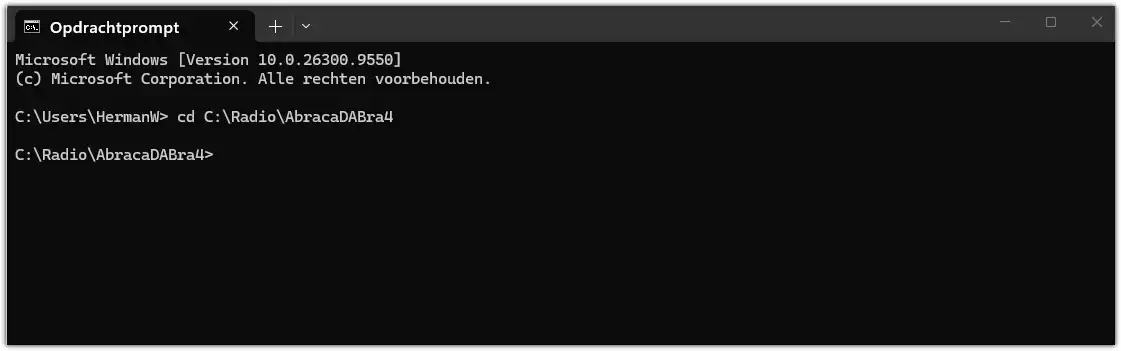
So a ‘cd C:\Radio\AbracaDABra4’ command (no ‘ ‘) will quickly navigate to the correct folder in the CLI.
Beware of typos in your command!
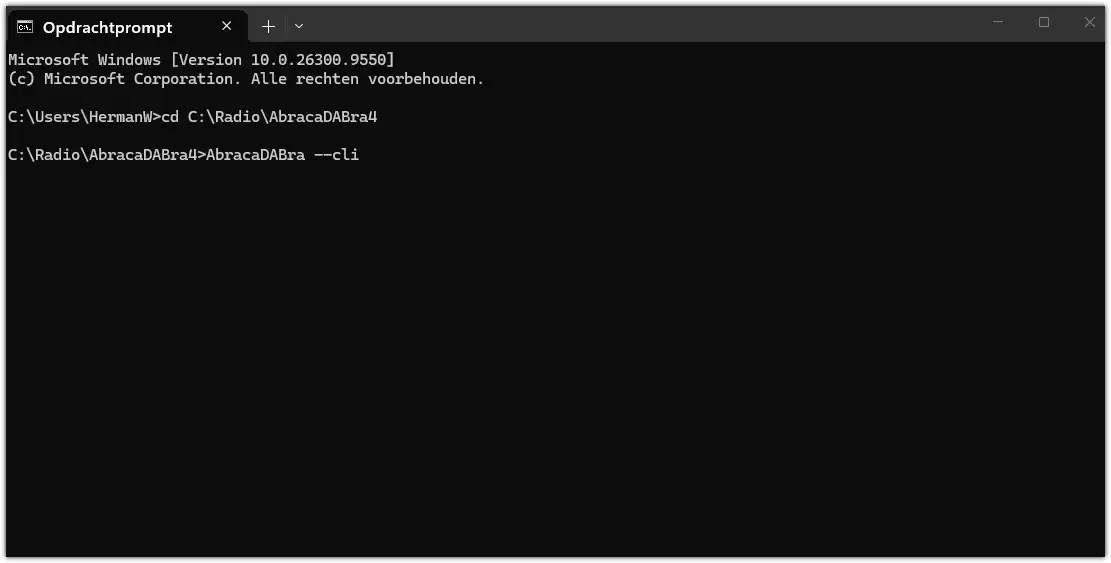
Now entering the ‘AbracaDABra –cli’ command will open up a CLI user interface.
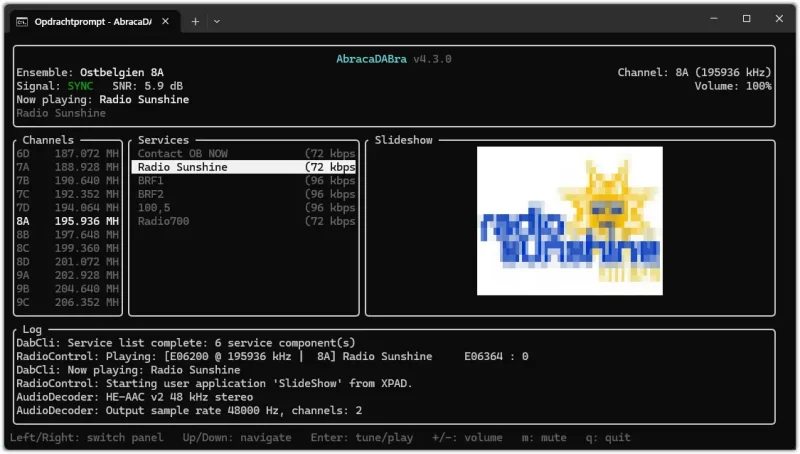
You can also run this in a browser on any machine, including Android smartphones, in your network.
Command on my machine:
‘C:\Radio\AbracaDABra4>AbracaDABra –cli -p 9091 –bind 10.0.0.10’ (no ‘ ‘).
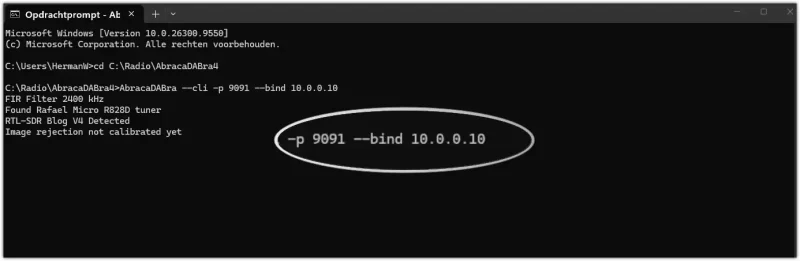
The ‘-p 9091’ refers to the port you want to use. Make sure to choose an unused port.
How to check which ports are in use on your computer? Open a command prompt as administrator and use this command:
‘netstat -ab’ (no ‘ ‘).
What’s ‘–bind 10.0.0.10’? That’s the IP address of your network.
In this case the address of my local network mesh satellite.
How to find your IP?
Again open an command prompt and use this command: ‘ipconfig’.
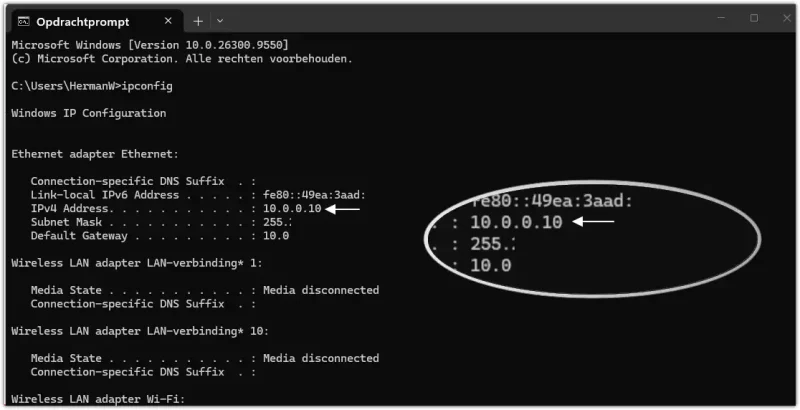
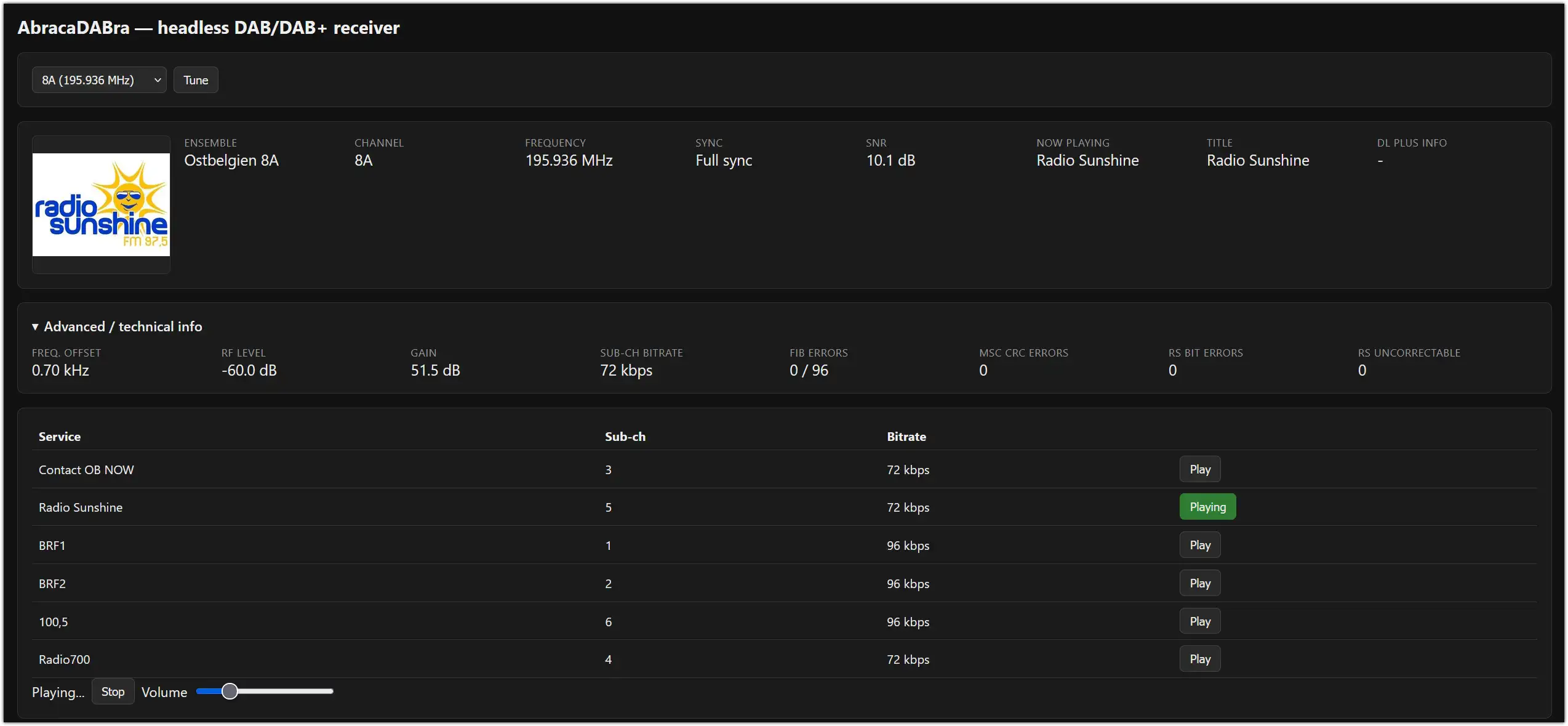
Open on browser on any machine in your network and use the address found with the ipconfig command.
So the URL in my browser will be 10.0.0.10:9091 .
° Can you use your regular AbracaDABra GUI with a command?
Yes, you can. Use this command: ‘C:\Radio\AbracaDABra4>AbracaDABra’ (no ‘ ‘).
° Should the same port always be used? Not all. Some ports seem to be to improve the SNR in the CLI and Web UI a bit.
° What if this CLI stopped working after e.g. having it running in a .bat file?
Just turn the AbracaDABra folder back to yesterday (Settings – previous version).
AbracaDABra settings will be gone, so make sure you have a back-up of the AbracaDABra settings.
° What’s the use of this CLI feature?
AbracaDABra users with a more technical background may find this an attractive option.
Moreover it’s a bit of fun having AbracaDABra in the shack activated by a command line and then checking in another room or the garden if it’s still working well.