Petr Kopecký has just released AbracaDABra 4.1.0.
It can be downloaded here.
Feedback and bug reports are welcomed on his Github issues page.
There are quite a few new features in 4.1.0.
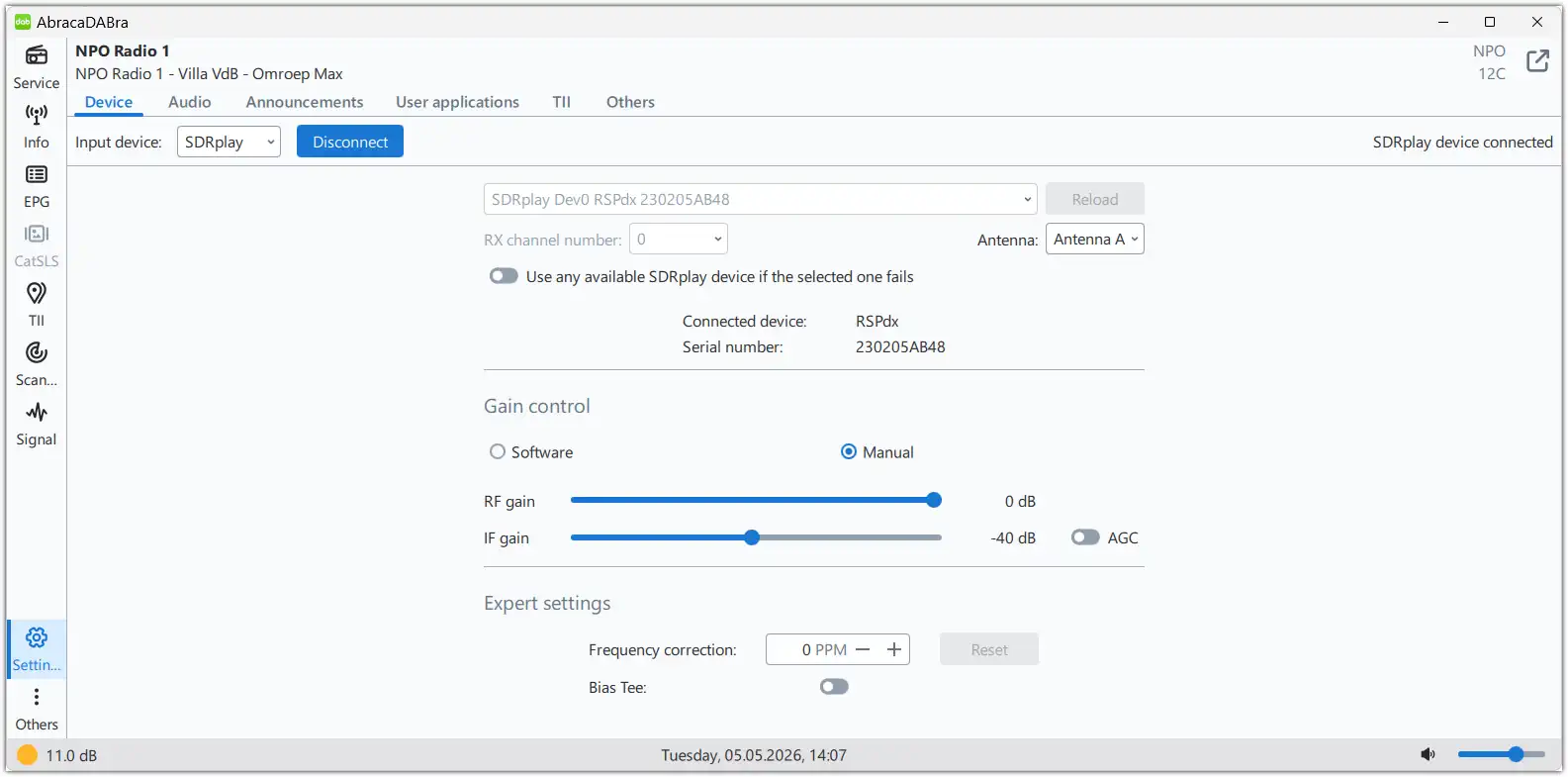
° Using previous versions with RSPdx in manual gain control mode caused an ‘Input device error’. This issue has been resolved.
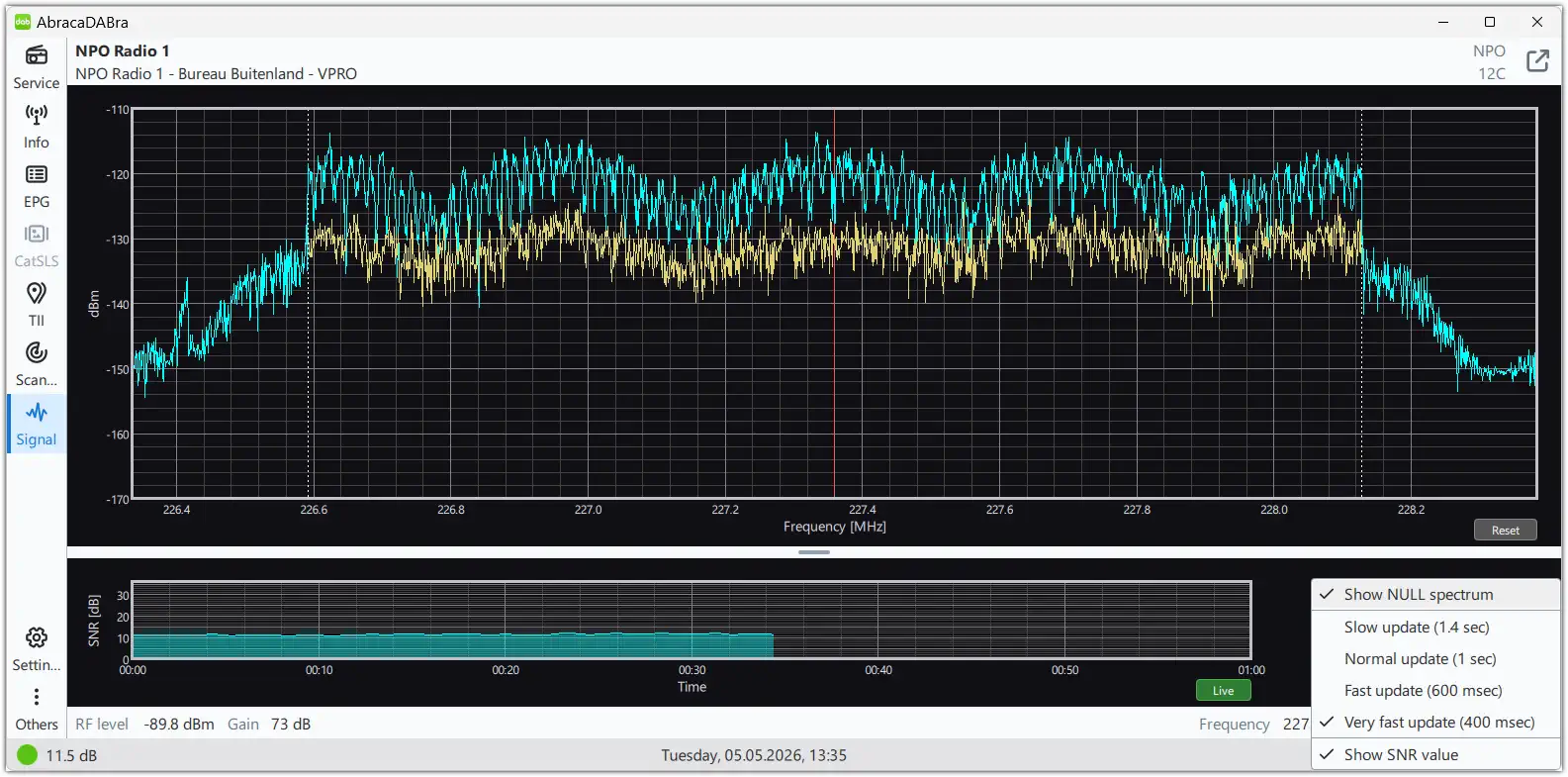
° An optional NULL spectrum view can be enabled in DAB signal view.
° Colour coding of SNR values depend on current audio service protection level.
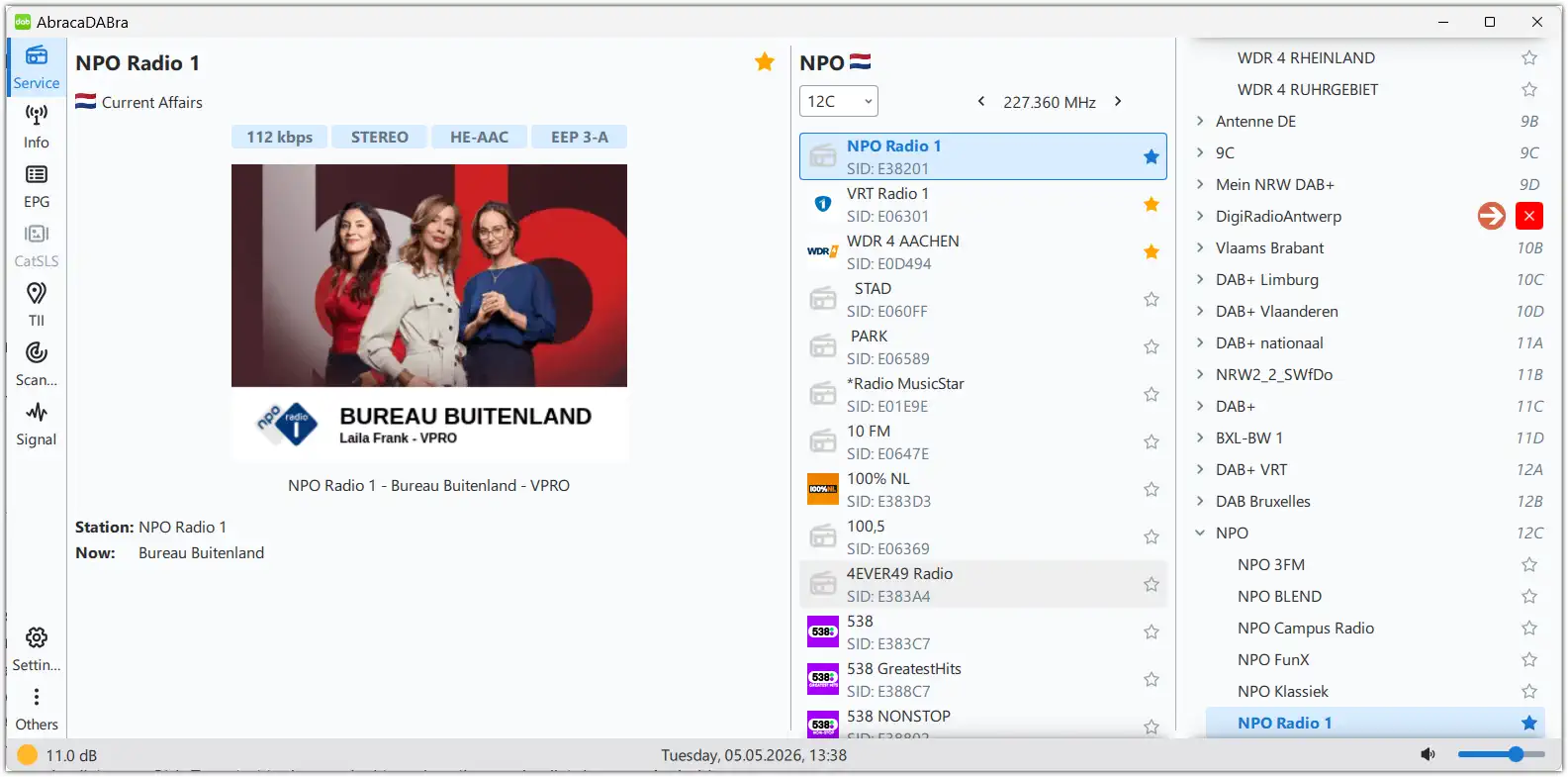
° An ensemble and its services can be deleted from service tree by dragging the ensemble name to the left (or swipe left on Android). A delete button will appear.
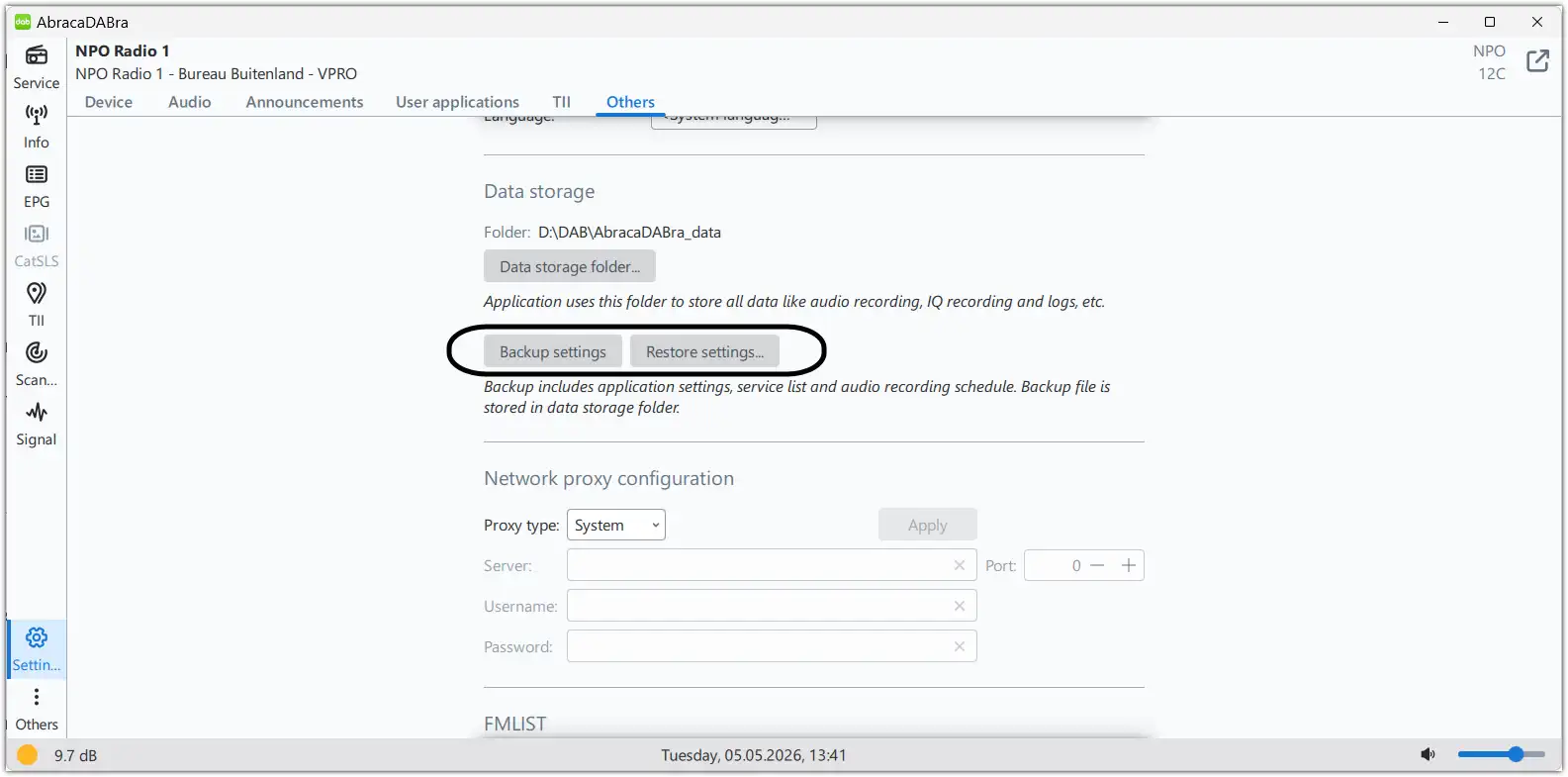
° Users can back-up settings (settings, service list and audio recording schedule) which is especially advised to do on Android devices.
° The DAB scanning tool saves the GPS location when enabled in the settings.
When the CSV is loaded into the application, only the first GPS location is considered.
The scanning tool shows this GPS location as blue dot in the map.
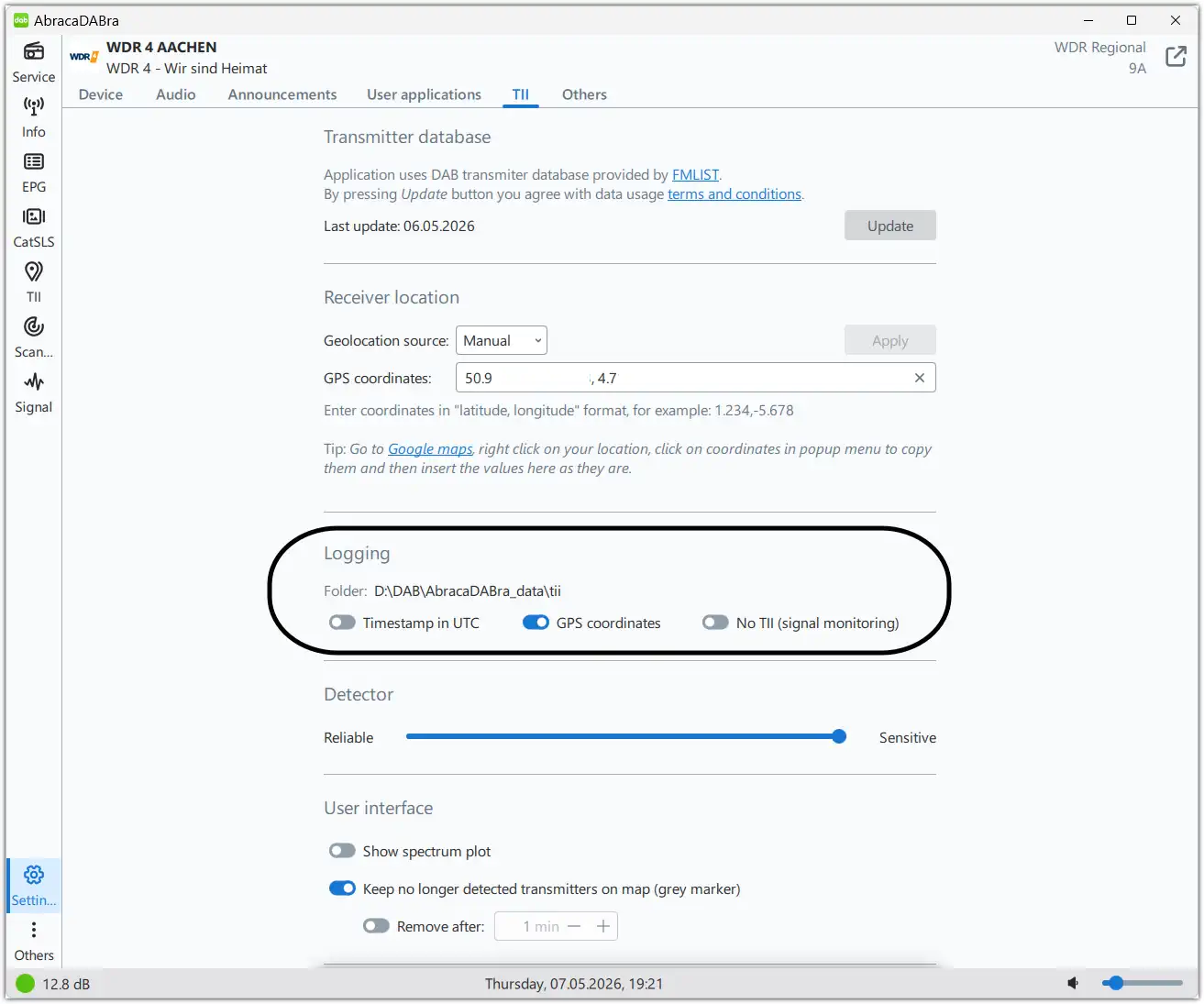
° The RF level is stored in the DAB scanning tool results table and the exported CSV.
° The frequency offset correction (PPM) is saved per device for RTL-SDR and SDRplay.
Correct functionality requires different RTL-SDR devices ID (to be sure, to set different serial number for each device)!
How to set the frequency offset correction? Click here to find out.
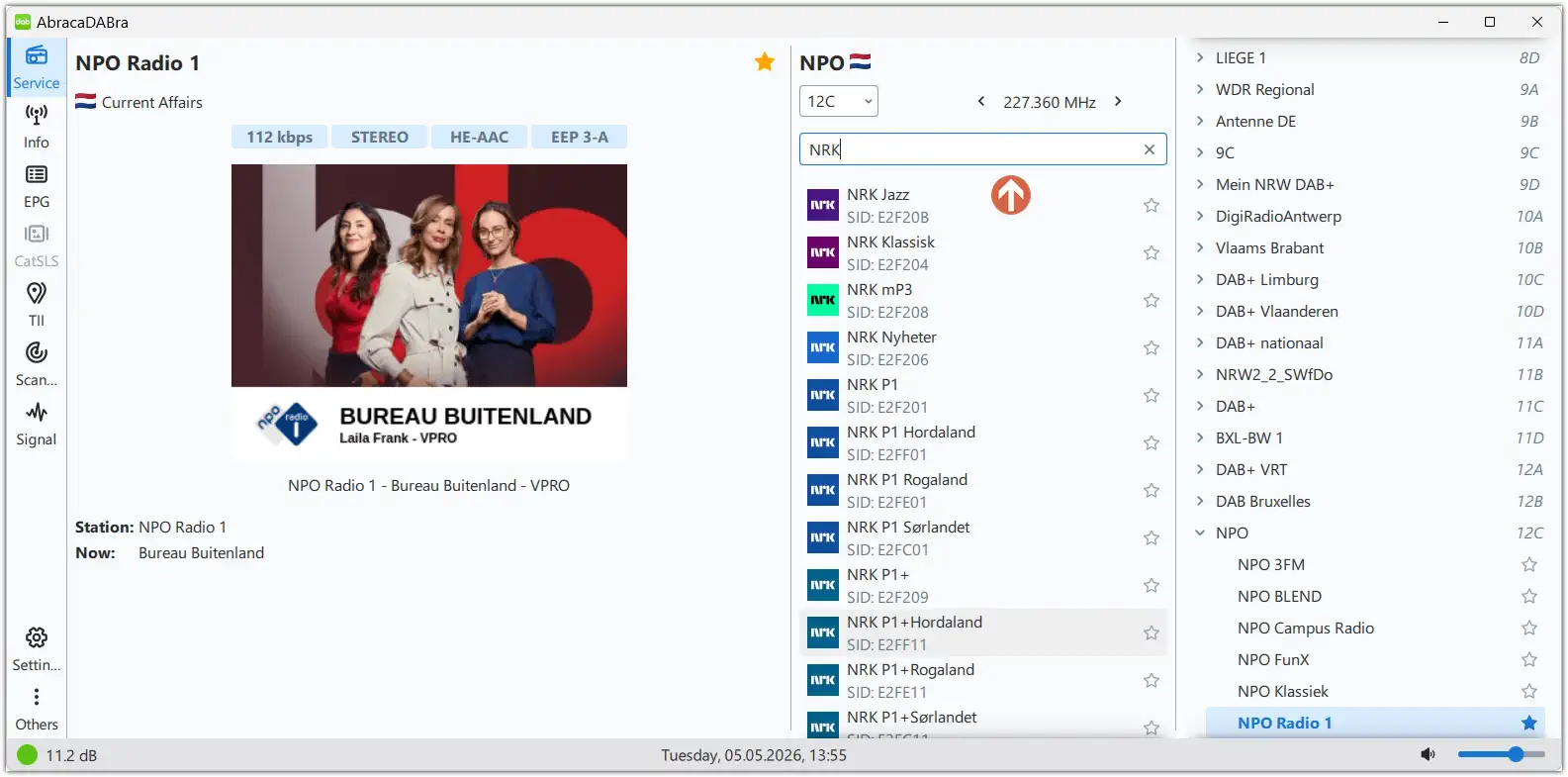
° The services list can be filtered or searched using Ctrl+F. Drag the service list down on Android.
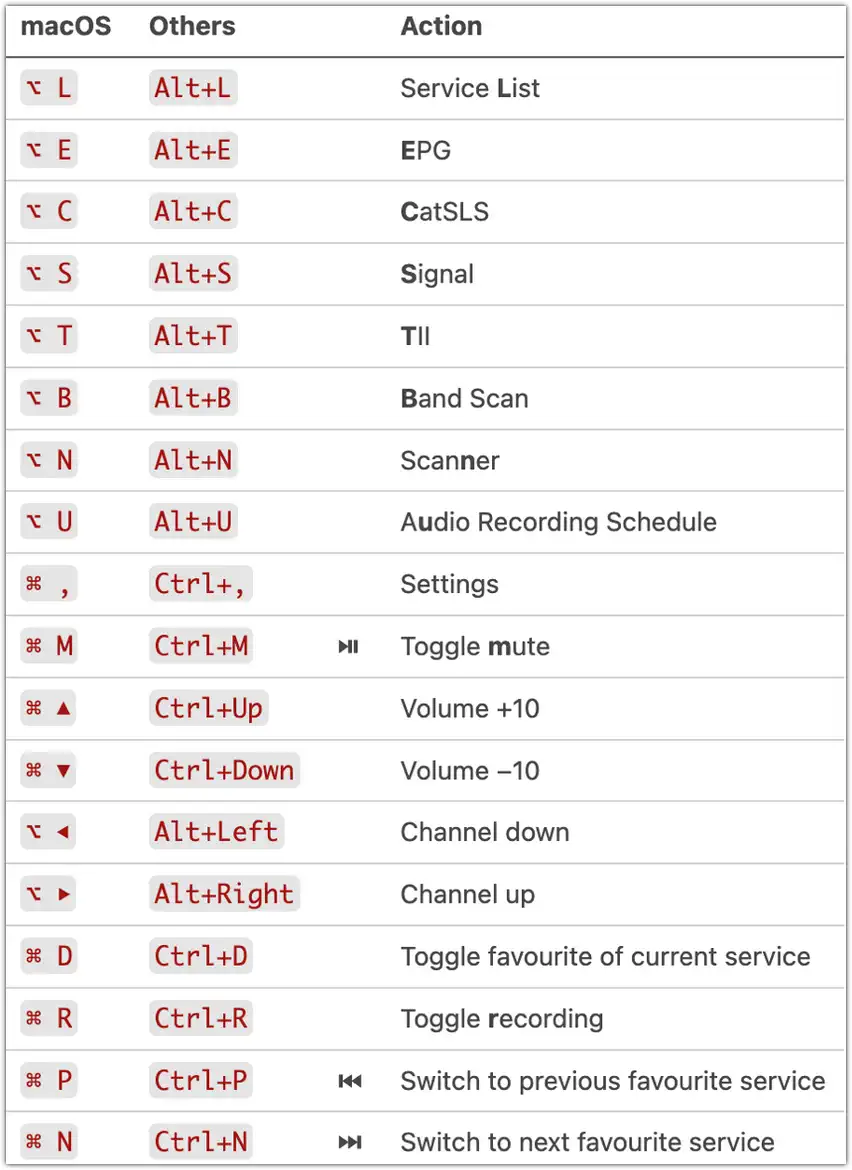
° Keyboard shortcuts added.
° DABSDR 4.0.0 implemented with some bug fixes and (hopefully) more reliable synchronisation.
° New Italian translation.
° Bug fixes and small improvements.